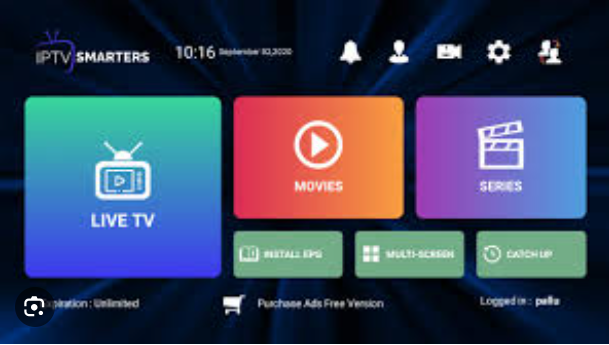
To start you must open IPTV smarters and your page should look something like this
Once done you will click on the icon in the upper right coner that looks like two people
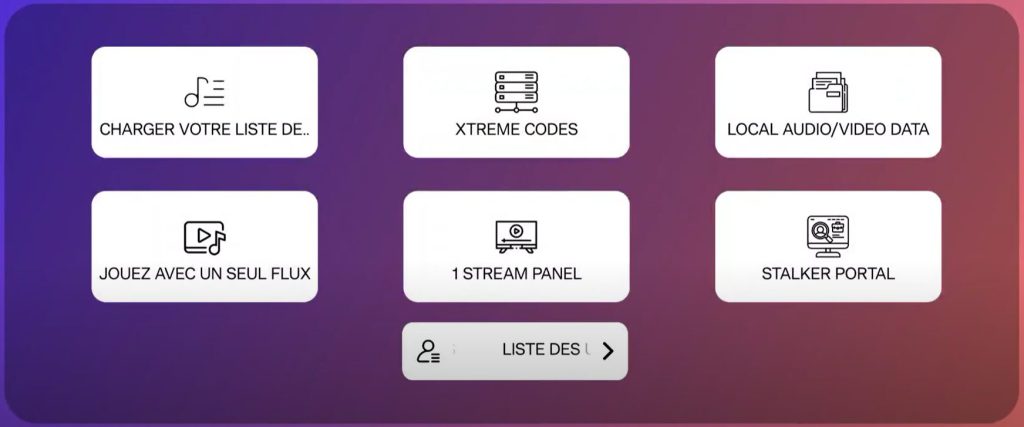
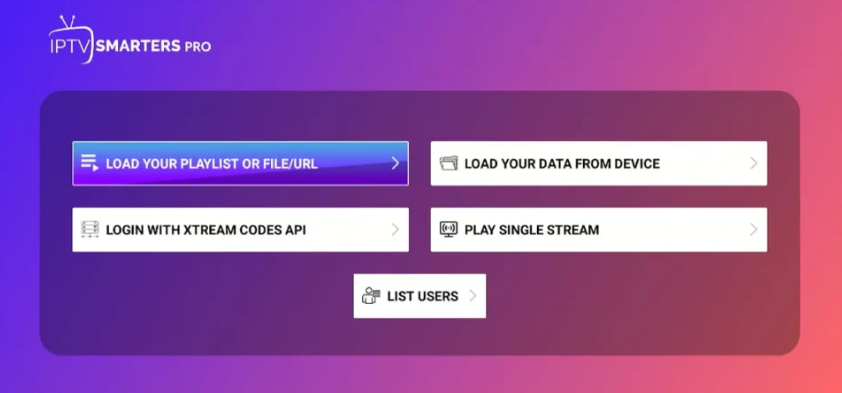
And know your window should look something like this
At this point select Login with Xtream Codes API
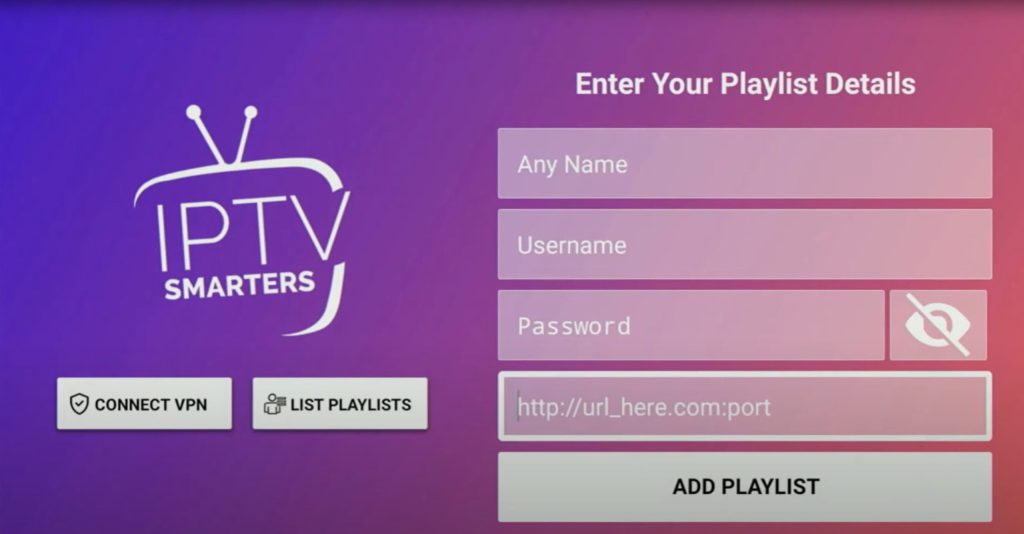
Your window should look something like this: Your supplier will provide you with the right information
You have to enter the information that your supplier will provide yoou
Make sure that the following is done right or else it will not work
If you click on add playlist and get an error then the information you entered is incorrect